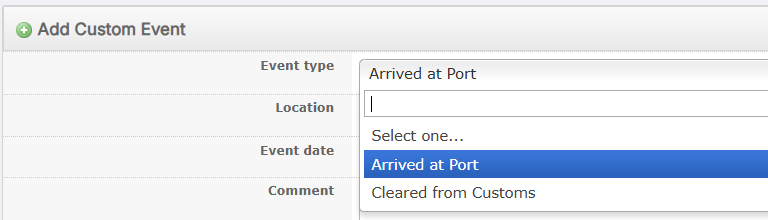
Create Custom Shipping Event Type
Learn more about Events and Custom Event Type here: Shipping Events.
Administrators can create Event Types for users to select from in a shipment. See the following steps:
-
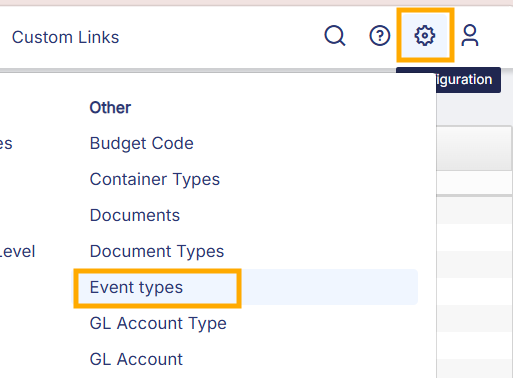
Go to Configuration > Event Types.
-
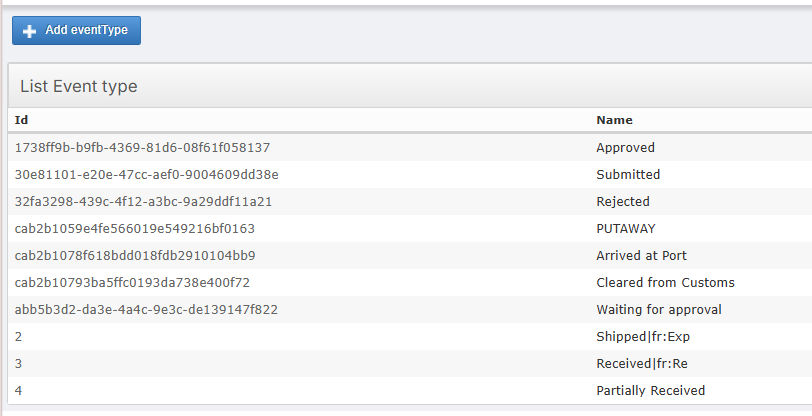
On the Events List page, click on Add eventType.
-
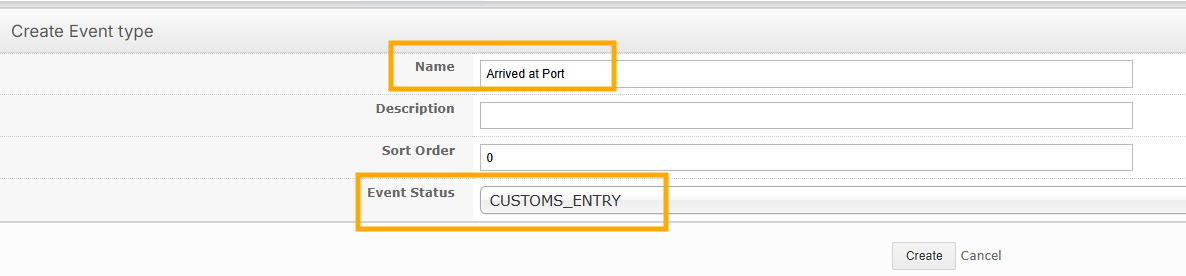
On the Create page, enter the Name for the Custom Event. For Event Status, select CUSTOMS_ENTRY.
-
Now, this Custom Event will be available for users to select on a Shipment.